

Sken.io has had an API for a while, but until now it was something you had to ask us about. That is over. The full reference is live at sken.io/api/v2/docs, it needs no login to read, and everything on that page is callable with a key you create yourself.
What is in there
The reference covers the same ground the app does:
- Jobs and Checks - create monitoring tasks, read their results, mark changes as seen, revert a self-healed element.
- Groups and Job settings - organise jobs and reuse check configurations across them.
- Integrations - manage and test the channels your alerts go to.
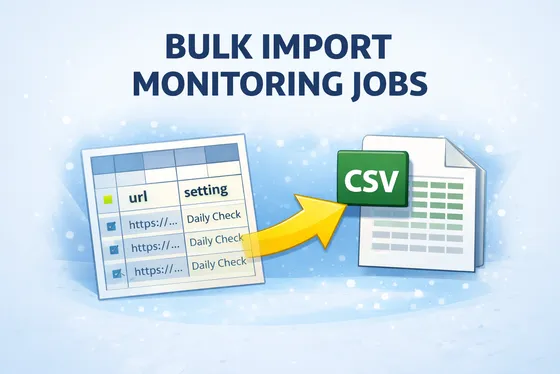
- Imports and Exports - bulk-create jobs from a file, pull your data back out.
- Stats, Proxies, Scan and account info - aggregated numbers, proxy endpoints and pricing, ad-hoc scans, plan and points balance.
Each operation lists its request body, response shape and error codes, and you can fire requests straight from the page. The whole thing is generated from the API's own specification, so it never drifts out of sync with what the API actually does.
Getting a key
Open Settings → API keys in your account, create a key, and tick the scopes it needs. The key is displayed once, so store it somewhere safe. Then send it with every request:
curl https://sken.io/api/v2/jobs \
  -H "Authorization: Bearer skn_live_xxxxxxxx_xxxxxxxxxxxxxxxxxxxxxxxxxxxxxxxx"
API keys are meant for server-side use. Keep them out of browsers and mobile apps.
Scoped by default
Every area of the API has its own :read and :write scope, so a key that only lists jobs cannot delete your integrations. Call an endpoint outside a key's scopes and you get a 403 that names the scope you are missing, which makes the fix obvious. Endpoints that are not part of the public documentation cannot be reached with an API key at all.
Every response also carries your remaining budget in X-RateLimit-* headers. Go over and you get a 429 with Retry-After telling you how long to wait.
The spec is machine readable
The documentation page is generated from an OpenAPI document served at /api/v2/api-specs. Point a client generator at it and you have a typed SDK in your language of choice without writing any of it by hand.
And it works with AI agents
The same surface is exposed over the Model Context Protocol at https://sken.io/mcp. Paste that address into your MCP client's connector settings, approve the request that opens, and your agent can create jobs, read changes and look at screenshots on its own. Only the tools covered by your key's scopes show up.
Try it
Head to the documentation, create a key and make your first call. If something in the reference is unclear or missing, tell us and we will fix it.